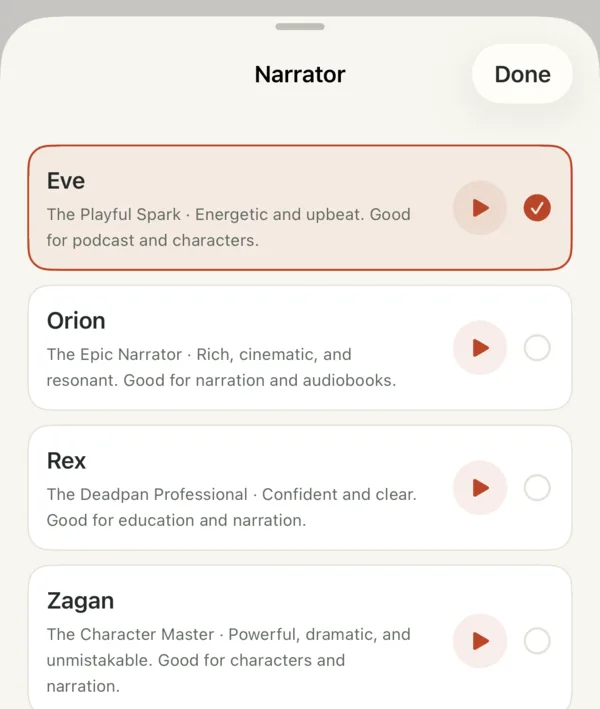
28 narrator voices
From epic to deadpan. Preview any voice, set the pace, and add music that fits the tone.
Type an idea. Stickman Studio writes the script, narrates it and illustrates every scene, with captions and music.
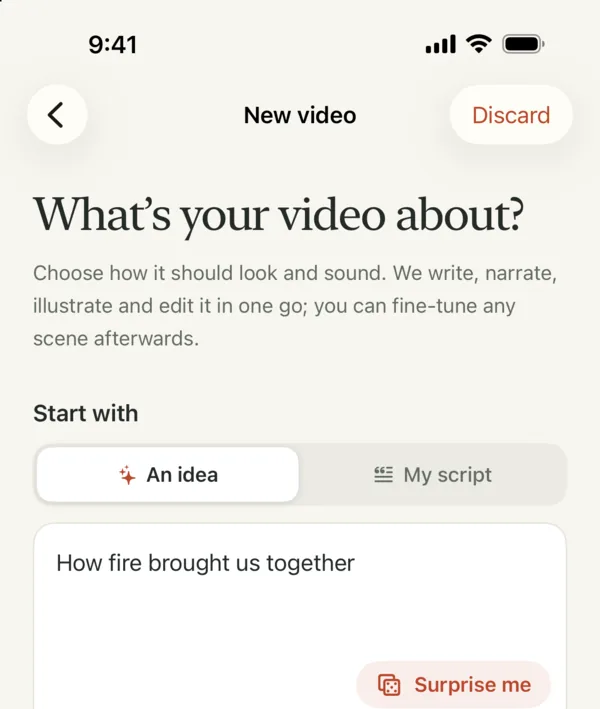
Type a sentence, tap Surprise me, or paste your own script.
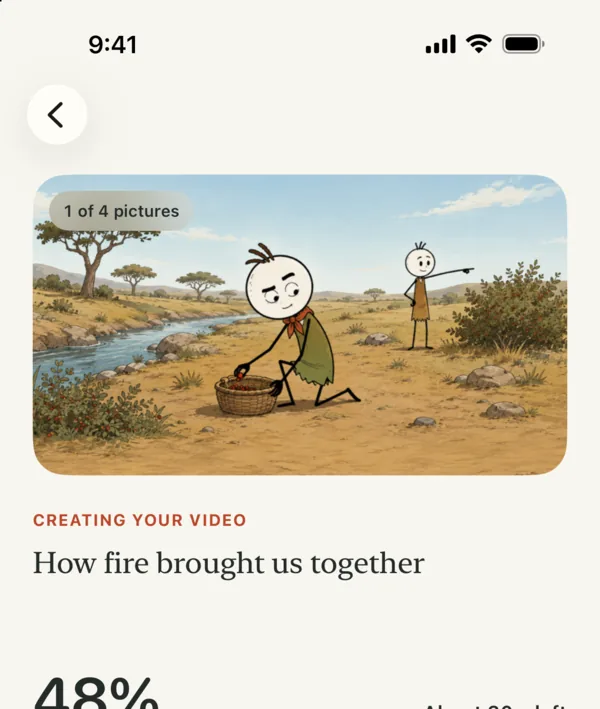
Script, narration and pictures appear one by one, then the video renders.
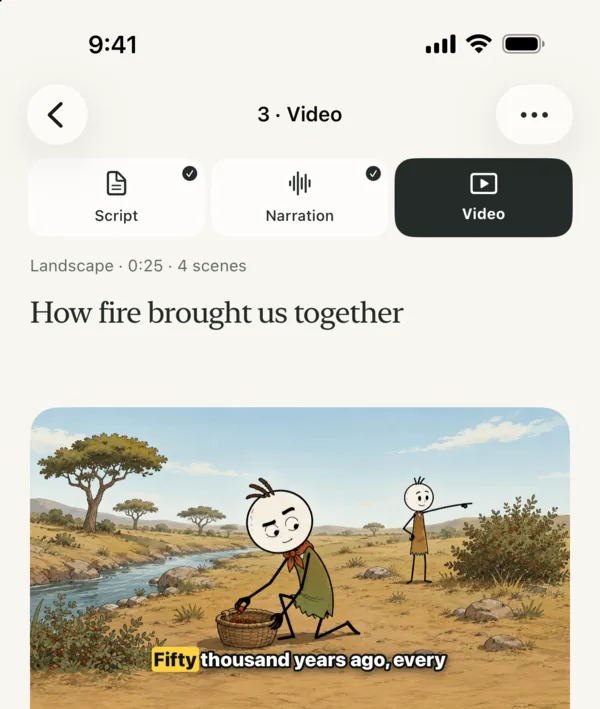
Change the wording, voice, pictures or style, then export.
Pick one and every scene follows it.
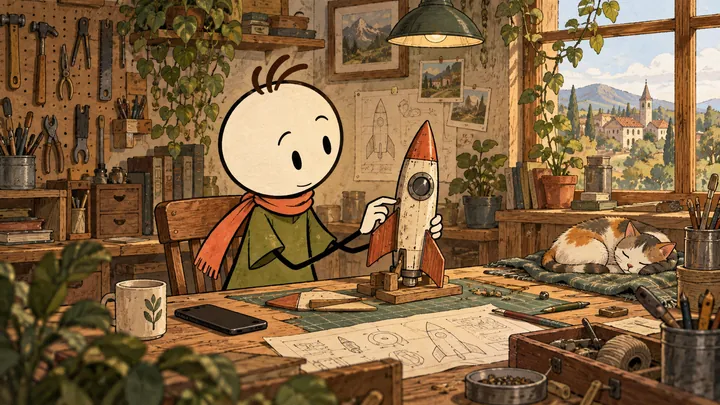 Paper & ink
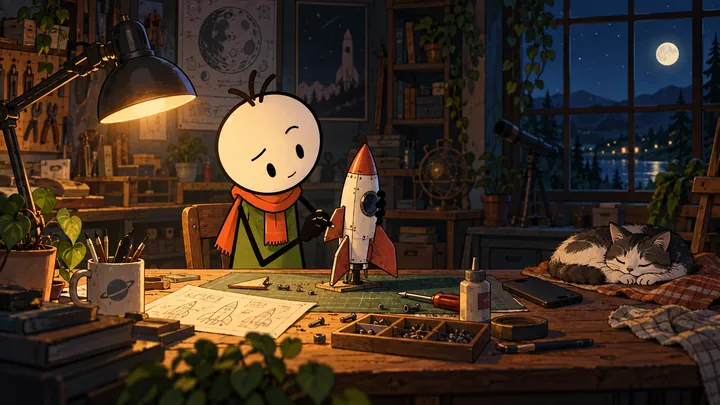 After hours
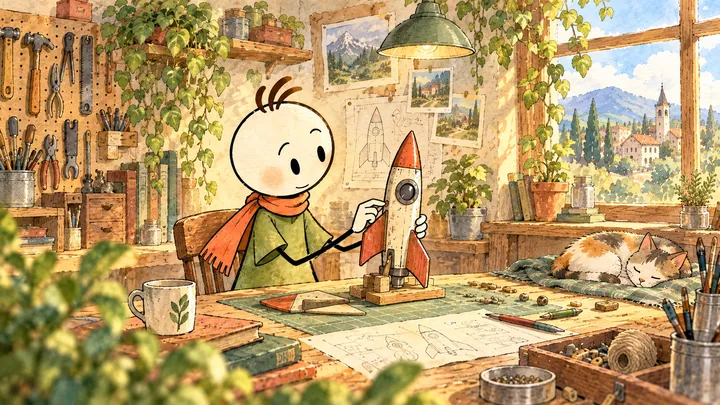 Watercolor
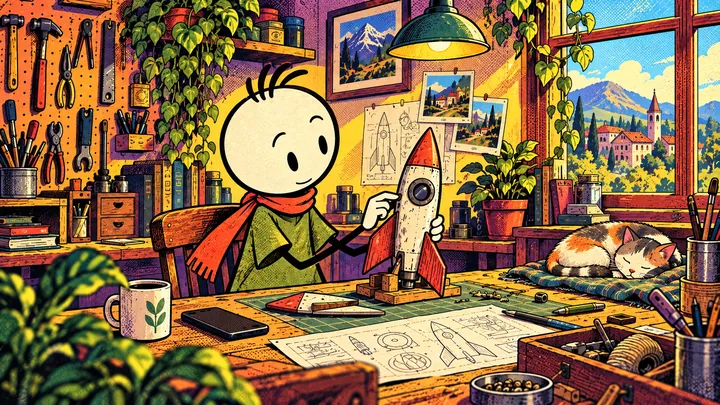 Comic book
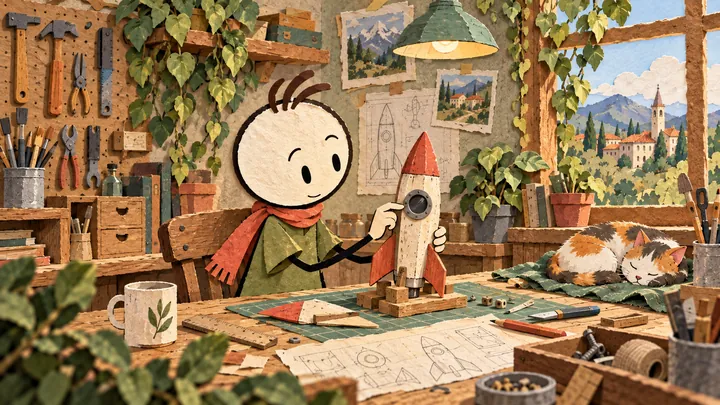 Paper cutout
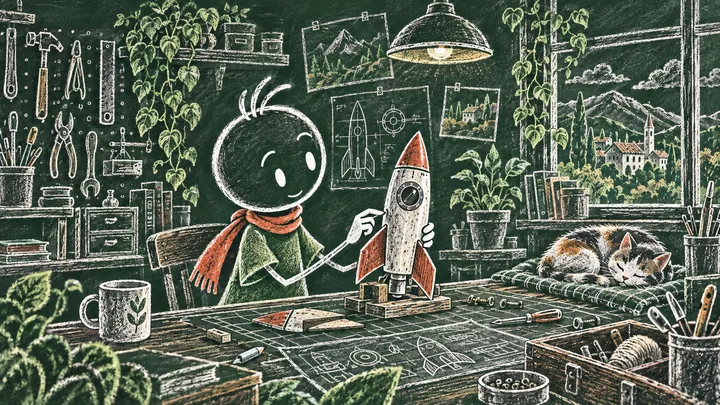 Chalkboard
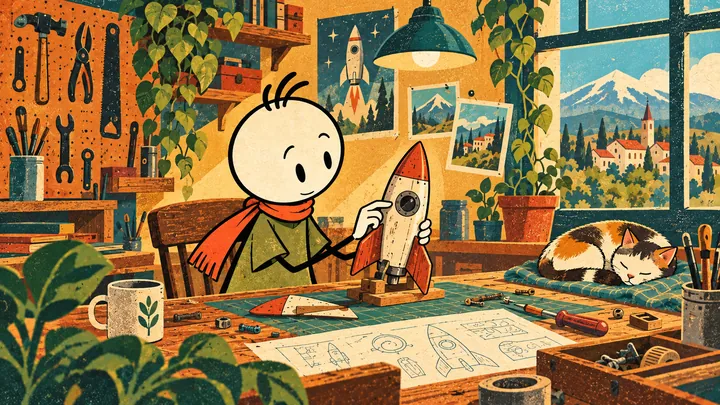 Retro cartoon
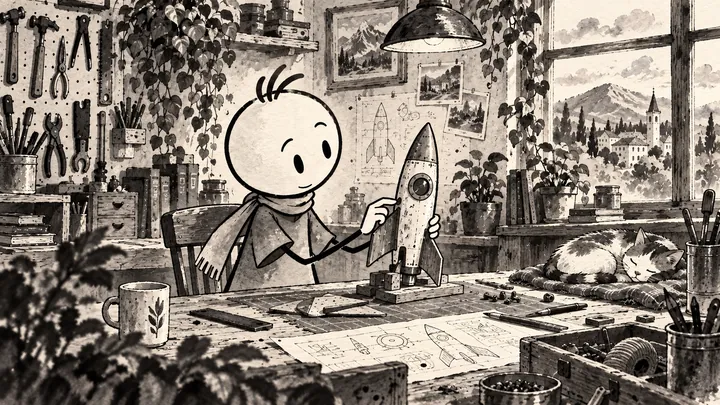 Ink wash
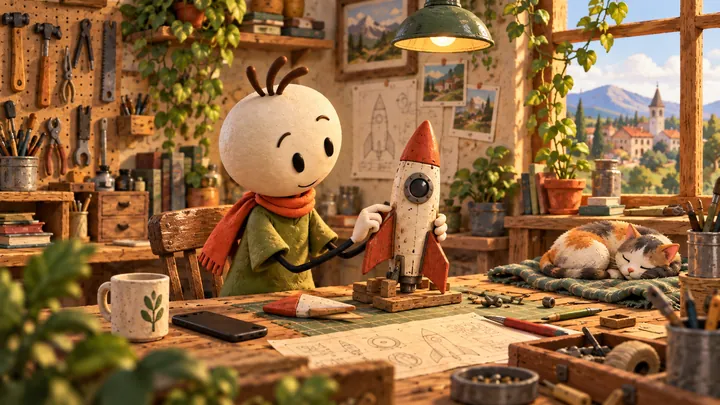 3D Clay
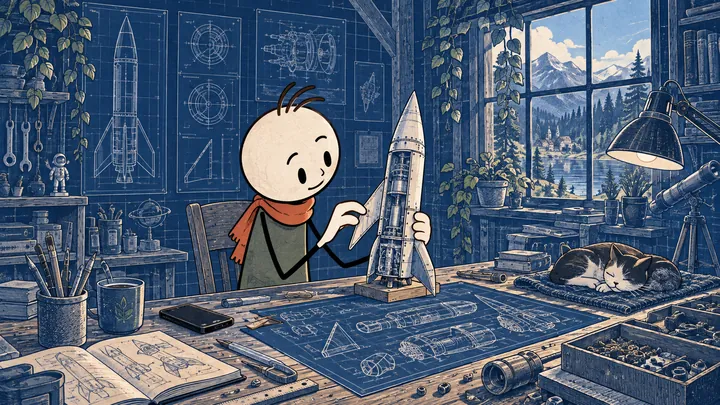 Blueprint
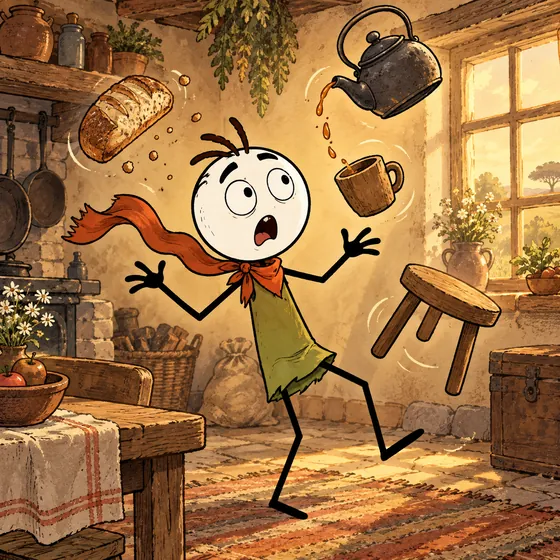
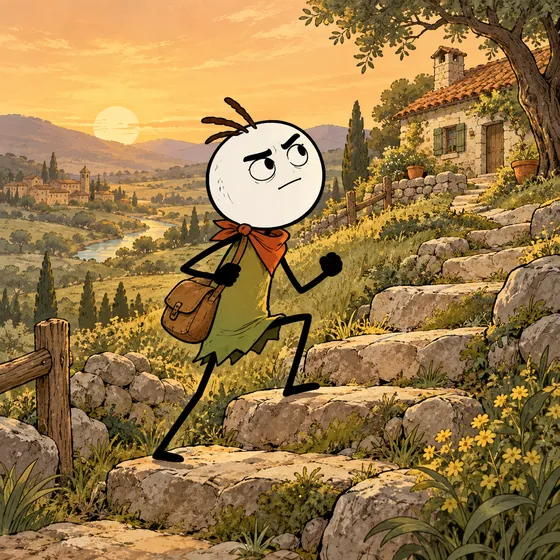
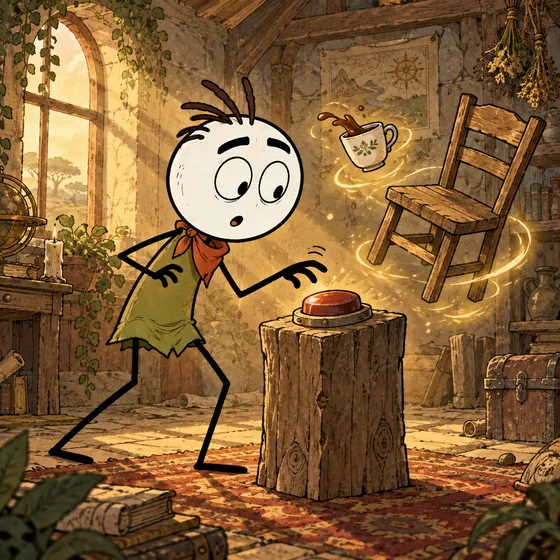
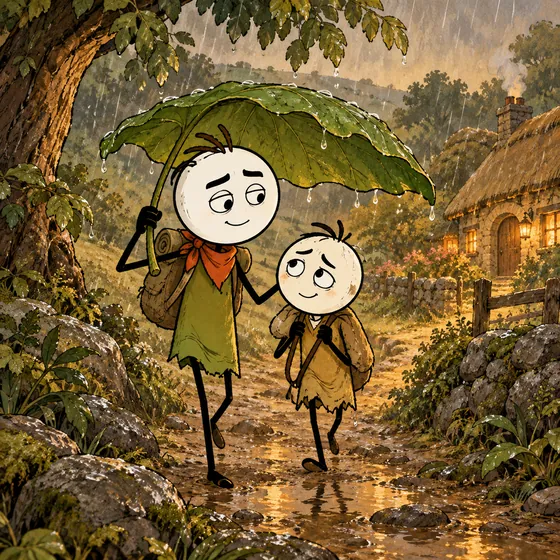
Six ready-made characters keep the same look in every scene.
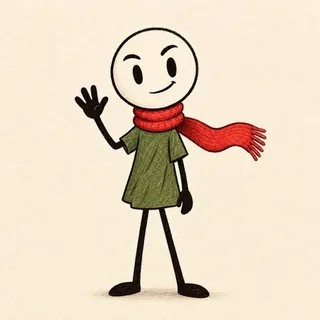 PipClassic stickman
 JunoCurious explorer
 OttoLoves to explain
 KikoLittle adventurer
 MabelWarm storyteller
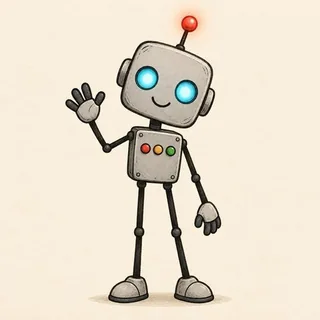 BixFriendly robot
From epic to deadpan. Preview any voice, set the pace, and add music that fits the tone.
Word-by-word captions and camera motion, exported in 1080p for Shorts, Reels or YouTube.
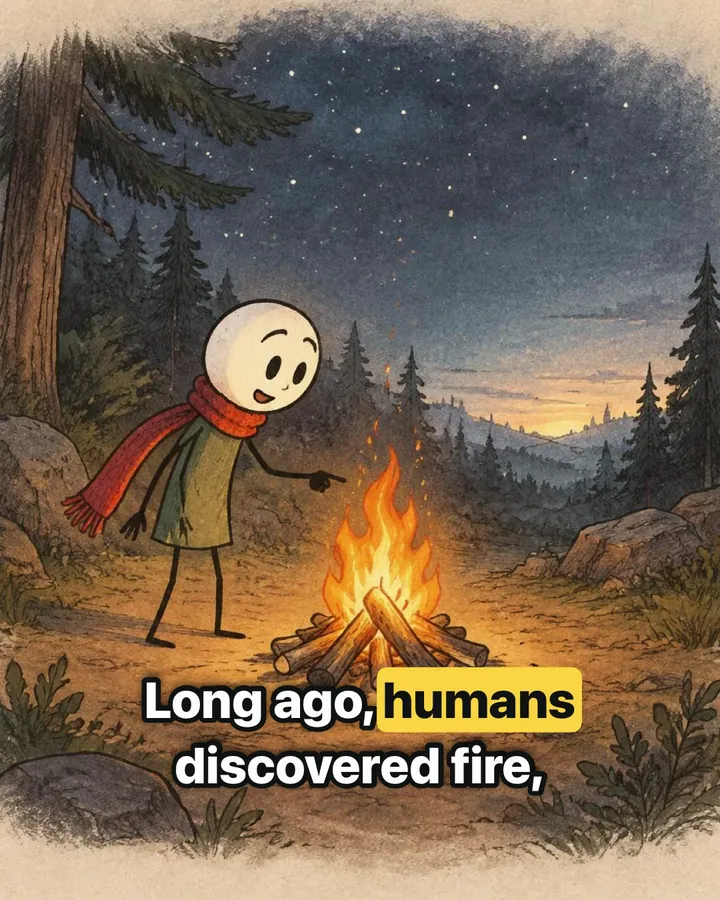
Tap Surprise me for one of 1,000+ ideas, or start from a ready-made story.
Temporary cloud copies are removed within 24 hours, and our AI providers don’t train on your requests. Scripts and narration are checked for safety before you see them.
You see the most a video can cost before anything is made. New accounts start with free credits, and credit packs are available through Apple in-app purchase.